
Nata Admin vs Horizon UI vs Tremor: Which React Dashboard is Best for SaaS?
A deep architectural comparison of Nata Admin, Horizon UI, and Tremor. Which React dashboard template best balances performance, design token flexibility, and AI coding workflows?

The Great React Dashboard Dilemma in 2026#
When building a modern SaaS application or internal analytics platform, picking the right frontend foundation is one of the most critical decisions engineering teams make. A poorly structured dashboard template can lead to thousands of lines of bloated CSS overrides, fragile state spaghetti, and painful refactoring cycles when pairing with modern AI coding assistants like Cursor or Claude Code.
Today, three dashboard architectures dominate developer mindshare in the React and Next.js ecosystem:
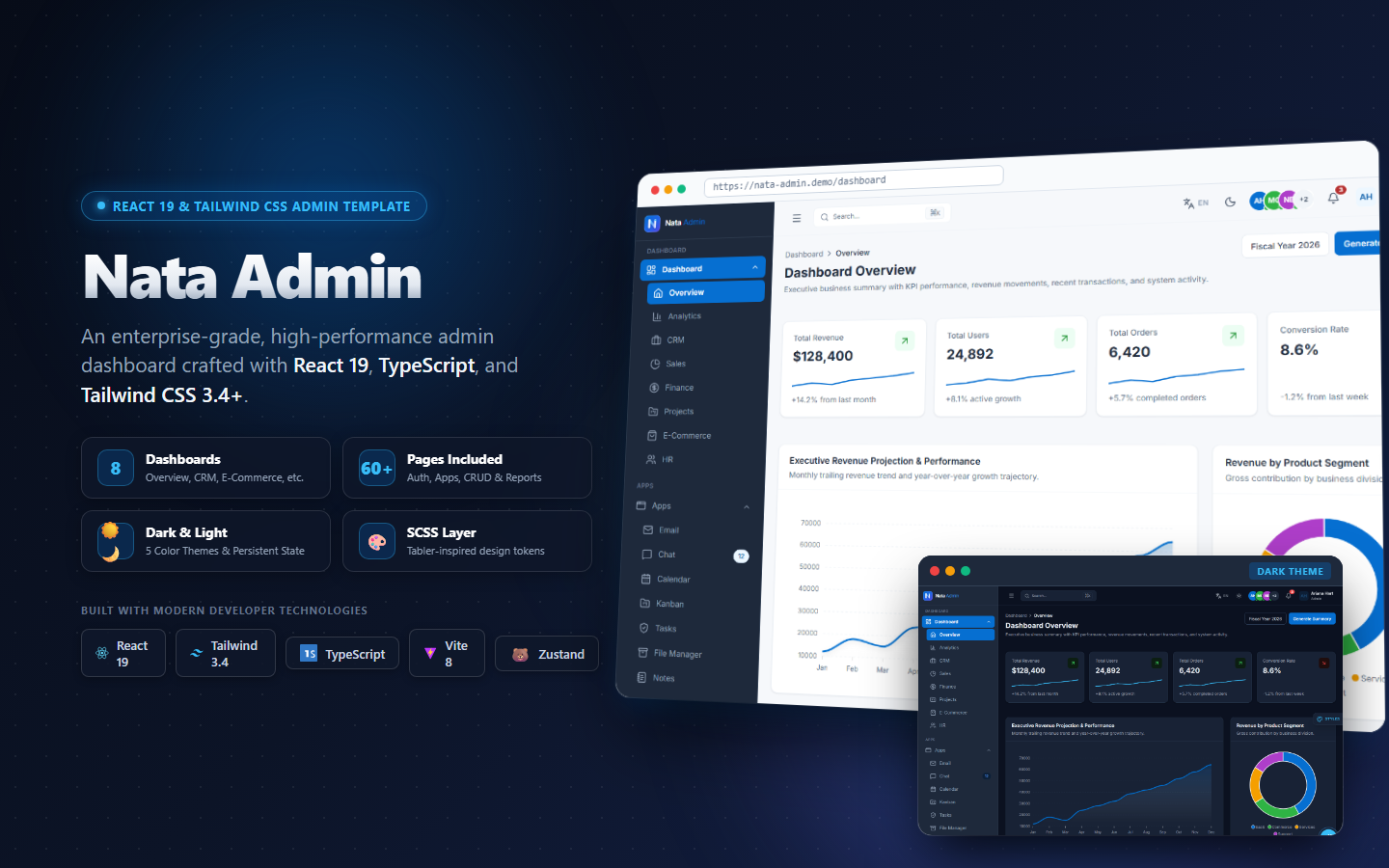
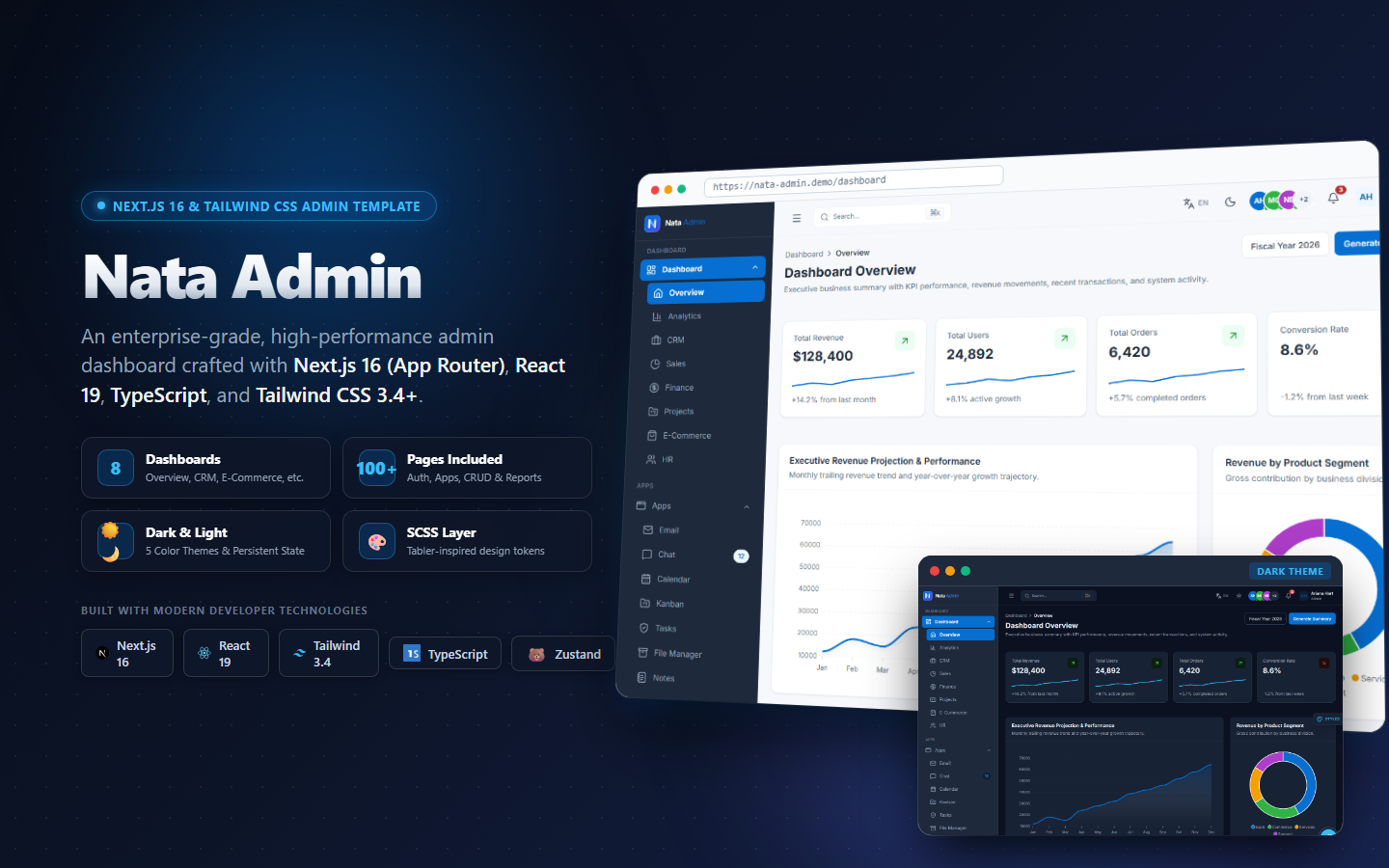
- Nata Admin: A modern, modular full-stack admin template designed specifically for Next.js 16 App Router and React 19 SPA workflows with clean SCSS design tokens.
- Horizon UI: A trendy, design-forward UI kit built with Tailwind CSS known for vibrant gradients and web3 aesthetics.
- Tremor React: A minimalist, open-source data visualization component library created for analytics-heavy applications.
In this deep architectural teardown, we compare all three solutions across component modularity, styling token systems, AI developer experience (DX), and production readiness.
Head-to-Head Comparison: Nata Admin vs. Horizon UI vs. Tremor#
| Feature & Dimension | Nata Admin (Appiqa) | Horizon UI | Tremor React |
|---|---|---|---|
| Primary Category | Full-Featured Admin System | Visual Dashboard Template | Analytics Component Library |
| Supported Runtimes | Next.js 16 App Router / React 19 Vite | Next.js 15+ / React 18 & 19 | React 19 / Next.js / Remix |
| Styling Engine | Tailwind CSS + Semantic SCSS Tokens | Tailwind CSS Utility Classes | Tailwind CSS + Radix UI |
| Design System Customization | Centralized CSS Variables & SCSS | Utility-level class overrides | Composable Radix UI Primitives |
| Pre-built Business Views | 8+ Complete Dashboards, Tables, Settings, Auth | 70+ UI Widgets, Analytics, NFT/Web3 | KPI Cards, Bar/Line/Donut Charts |
| Authentication & RBAC Layouts | Included (Route groups & Role Guards) | Included (Static templates) | None (Components only) |
| AI Coding Friendliness | ⭐⭐⭐⭐⭐ (under 250 lines per module) | ⭐⭐⭐ (Dense inline utilities) | ⭐⭐⭐⭐ (Clean composable syntax) |
| Official Resource / Repo | Appiqa Showcase | Horizon UI Demo · GitHub | Tremor Showcase · GitHub |
1. Nata Admin React & Next.js: The Enterprise Foundation#
🚀 Best For: Multi-tenant SaaS founders, enterprise engineering teams, and developers building with AI assistants.
Nata Admin is engineered around a strict architectural philosophy: No monolithic components, zero any types, and strict design token boundaries.
Key Strengths:#
- Clean Component Boundaries: Every data table pagination, modal overlay, and status badge is isolated into focused files under 250 lines. When working in Cursor or Windsurf, this prevents the model from losing context or hallucinating property signatures.
- Unified SCSS Token System: All semantic colors (
--primary,--card-bg,--border-soft) are controlled centrally insrc/assets/scss. You can rebrand the entire application in minutes without search-and-replacing hundreds of Tailwind utility classes. - Enterprise-Ready Forms & Tables: Features production-tested server-driven data tables, multi-step checkout forms, and role-based navigation guards.
Trade-offs:#
- Commercial license for full production source code (though a lifetime license includes both Next.js 16 App Router and React 19 Vite editions).
2. Horizon UI: The Eye-Catching Prototyping Kit#
🎨 Best For: Fast MVP launches, web3 dashboards, creator platforms, and pitch deck mockups.
Horizon UI is famous for its vibrant visual flair, soft glassmorphism cards, and pastel gradients.
Key Strengths:#
- Visual Polish: If you need a dashboard that looks instantly impressive to prospective investors or early beta testers, Horizon UI delivers outstanding aesthetic curb appeal out of the box.
- Extensive Widget Catalog: Packed with 70+ ready-made metric blocks, wallet balances, transaction lists, and ApexCharts widgets.
- Free Community Edition: Available on GitHub for rapid experimentation.
🔗 Repository: Horizon UI GitHub Repository
Trade-offs:#
- Dense Inline Styling: Components frequently contain long chains of Tailwind utility classes within single files, which can consume significant LLM context tokens when requesting refactors.
- Coupled Layout Logic: Extracting individual widgets into standalone micro-frontends requires untangling nested layout wrappers.
3. Tremor React: The Composable Analytics Specialist#
📊 Best For: Data telemetry consoles, investor KPI boards, and adding lightweight charts to existing apps.
Tremor takes a completely different approach: it is not a full dashboard template, but rather an open-source component library built by members of the Tailwind CSS team.
Key Strengths:#
- Lightweight & Modular: You install only the chart components you need. It adds minimal weight to your client-side JavaScript bundle.
- Flawless Typography & Micro-Interactions: Default line charts, bar trackers, and progress bars look remarkably crisp and professional.
- 100% Free & Open Source: Licensed under Apache 2.0 with active community maintenance.
🔗 Repository: Tremor GitHub Repository
Trade-offs:#
- No Turnkey Admin Scaffolding: Tremor does not provide authentication views, sidebar navigation state, multi-tenant workspace switchers, or settings layouts. You must assemble these administrative elements manually from scratch.
Architectural Teardown: Code Comparison#
Let us examine how each solution approaches building an interactive SaaS MRR Metric Card:
Nata Admin (Tokenized & Type-Safe)#
import { AppCard } from '@/components/ui/AppCard'
import { AppBadge } from '@/components/ui/AppBadge'
import { TrendingUp } from 'lucide-react'

interface MetricProps {
  title: string
  amount: string
  growthPercentage: number
}

export function MRRCard({ title, amount, growthPercentage }: MetricProps) {
  return (
    <AppCard className="p-5 hover:border-primary-500/40 transition-all">
      <div className="flex items-center justify-between text-xs text-app-textMuted font-medium">
        <span>{title}</span>
        <AppBadge variant="success" size="sm" className="gap-1">
          <TrendingUp className="w-3 h-3" /> +{growthPercentage}%
        </AppBadge>
      </div>
      <div className="mt-2 text-2xl font-bold tracking-tight text-app-text">{amount}</div>
    </AppCard>
  )
}
Tremor React (Composable Primitives)#
import { Card, Metric, Text, Flex, BadgeDelta } from '@tremor/react'

export function TremorMRRCard() {
  return (
    <Card className="max-w-xs mx-auto">
      <Flex alignItems="start">
        <div>
          <Text>Monthly Recurring Revenue</Text>
          <Metric>$34,290</Metric>
        </div>
        <BadgeDelta deltaType="moderateIncrease">12.5%</BadgeDelta>
      </Flex>
    </Card>
  )
}
The Verdict: Which Template Should You Choose?#
- Choose Nata Admin if: You are building a serious SaaS product, internal enterprise back-office, or multi-tenant web application where TypeScript strictness, tokenized dark mode, and maintainable AI coding boundaries are non-negotiable.
- Choose Horizon UI if: You need to build a visually striking pitch deck MVP or Web3 prototype in under 48 hours and prioritize flashiness over strict component isolation.
- Choose Tremor React if: You already have an existing web application and simply want to drop in clean, accessible analytics charts and KPI callout blocks.
🎁 Free Content Upgrade: Download our free Dashboard Feature Comparison Spreadsheet (CSV) — comparing 45+ feature flags, bundle sizes, and license terms across the top React and Next.js admin dashboards in 2026.